
Projects / Calculator+
Calculator+ — Calculator Vault
A private, encrypted vault disguised as a working calculator — hide photos, videos, files, and notes behind your PIN.
Utilities · iPhone · Coming soon
A calculator that really calculates
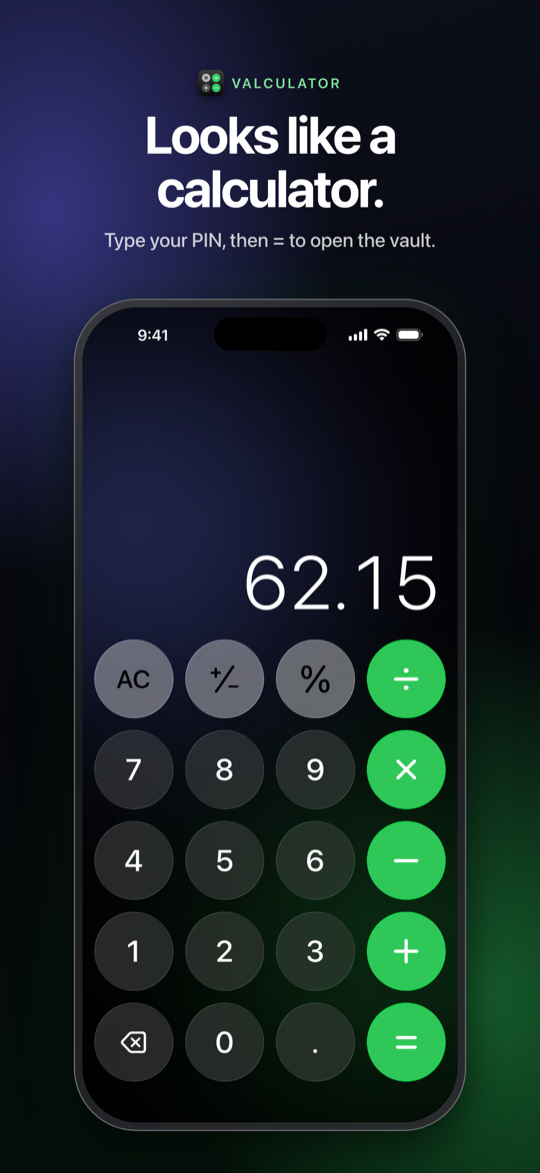
On the Home Screen it’s simply “Calculator+”, and it works like one — add, subtract, multiply, divide, percentages. Type your PIN and press = to open the vault, or touch and hold = for Face ID.
Encrypted on your device
Everything in the vault is encrypted with AES-256-GCM using a key derived from your PIN. Nothing readable is stored on disk.
Hidden in plain sight
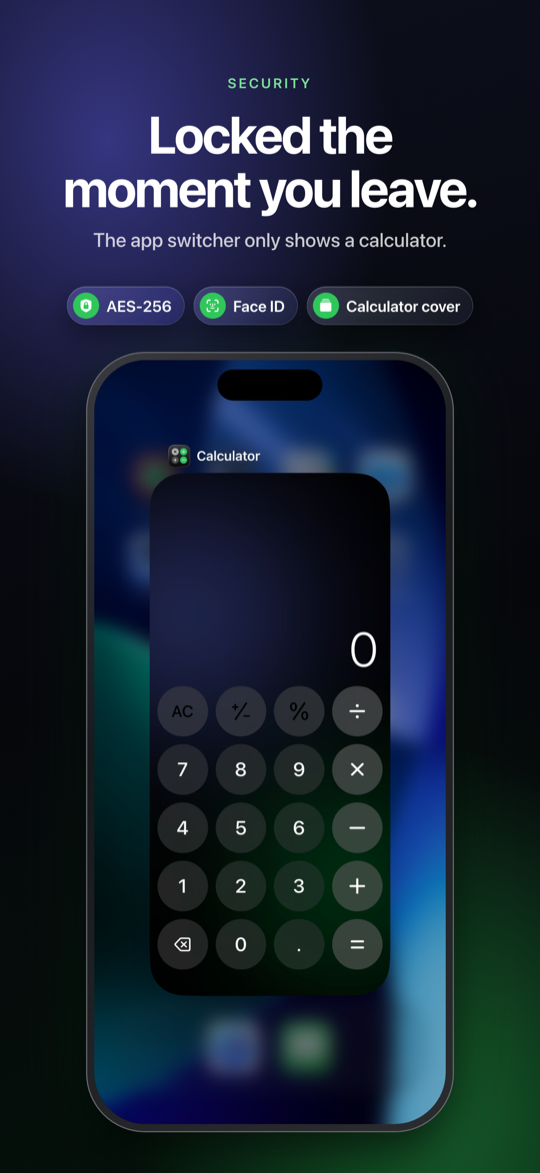
Leave the app and the vault is instantly covered by the calculator, so the app switcher only ever shows a calculator. Unlock again and you’re right where you left off.
Photos, videos, files, notes
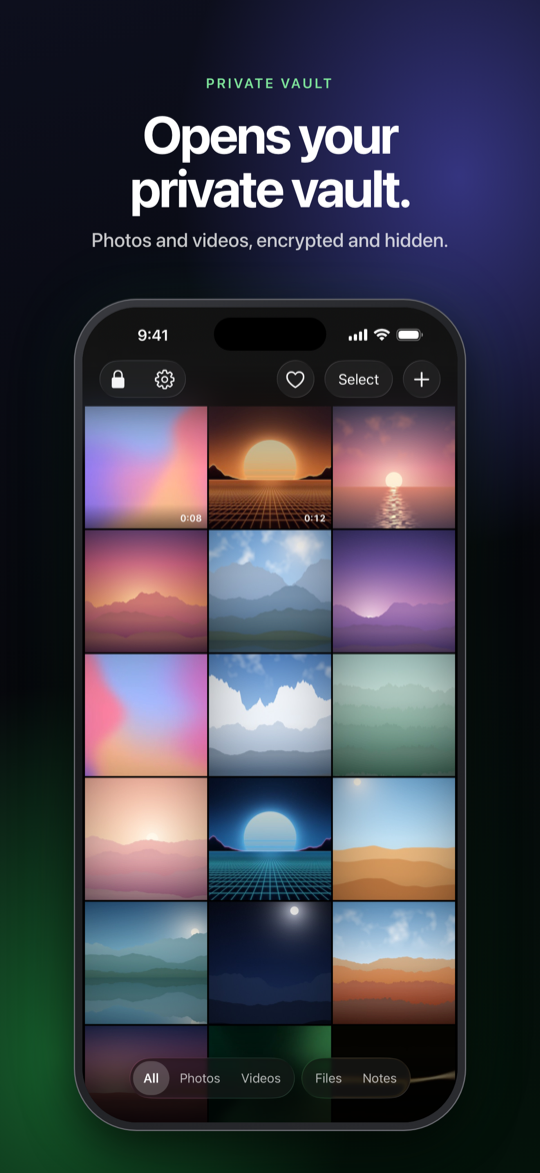
Hide items from Photos and the Files app, read text files in-app, and write private notes — all in a familiar Photos-style grid with filters, favorites, and a full-screen viewer.
Edit without leaving
Crop, adjust brightness and colour, apply filters, and add stickers to photos. Trim videos or save a single frame — no need to leave the vault.
Your vault, your storage
Keep it on the device or in a Files / iCloud Drive folder you choose, so it survives even if the app is deleted. Export an encrypted backup any time.
Why it exists
A few photos, files, or notes are nobody else’s business — but a folder named “Private” is an invitation. Calculator+ hides them behind the most boring app on the phone: a calculator that genuinely calculates, with an encrypted vault only your PIN can open.
It says so openly — the App Store listing describes the vault rather than hiding it — and it keeps nothing on a server. The disguise is for the people around you, not for the platform.
Who it’s for
Anyone who wants a few private photos, videos, files, or notes kept behind a calculator that really calculates — no account, nothing on a server.
In the app
How it’s built
A native SwiftUI app for iPhone, iOS 26 and later, drawn in the new
Liquid Glass style. The vault is encrypted with AES-256-GCM; the master key
is wrapped by a PBKDF2-derived key from your PIN, so nothing readable ever touches disk.
There are no accounts, servers, analytics, or ads — the only network traffic is Apple’s
StoreKit for the optional one-time Pro purchase, so the App Store privacy
label is Data Not Collected. Face ID is handled by the system; the app never sees
biometric data.
- Swift
- SwiftUI
- AES-256-GCM
- Face ID
- iOS 26+
The core flow
Opening the vault
- 1 Set it up once Choose where the vault is kept — on the device, or a Files / iCloud Drive folder you pick — and set a 4-, 6-, or 8-digit PIN.
- 2 It opens as a calculator From then on, every launch is an ordinary, fully working calculator. Nobody glancing at it sees anything else.
- 3 Unlock the vault Type your PIN and press =. Or turn on Face ID and just touch and hold =.
- 4 Leave, and it hides Switch away and the calculator instantly covers the vault, so the app switcher only ever shows a calculator.
At a glance
- Status
- In App Store review
- Category
- Utilities · Photo & Video
- Platform
- iPhone · iOS 26+
- Price
- Free · Pro $2.99 one-time
- Data
- None collected
Links
- Privacy Policy page
- Package
com.buildbyrain.valculator - Contact [email protected]